
Download Peer Spider – P2P link exchange, file search, download, search engine, utility, Android app, free, shortcut, file discovery
Overview
Peer Spider is a mobile utility designed to streamline the process of locating files across multiple P2P link exchange platforms. By consolidating access to several popular file-sharing networks into a single interface, the app enables users to conduct broad, efficient searches without navigating between separate websites or applications. Its primary purpose is to reduce the time and effort required to discover specific files, particularly those that may be difficult to locate through standard search methods. This makes it especially useful for individuals seeking niche content, rare documents, or hard-to-find digital media.
The app targets users who frequently engage in file discovery through peer-to-peer networks, including researchers, content curators, and tech-savvy individuals looking for specialized resources. While the developer, Peer Spider, did not provide additional background information, the app’s longevity—first released in 2007—suggests a stable and enduring utility within the productivity space. Despite its age, the app remains relevant due to its focused functionality and lightweight design.
Real-world use cases include locating archived software, academic papers, or multimedia files that have been shared across decentralized networks. In the broader app ecosystem, Peer Spider serves as a niche but valuable tool for users who prioritize speed and breadth in file retrieval, offering a streamlined alternative to manual, multi-platform searching.
Key Features & Functionality
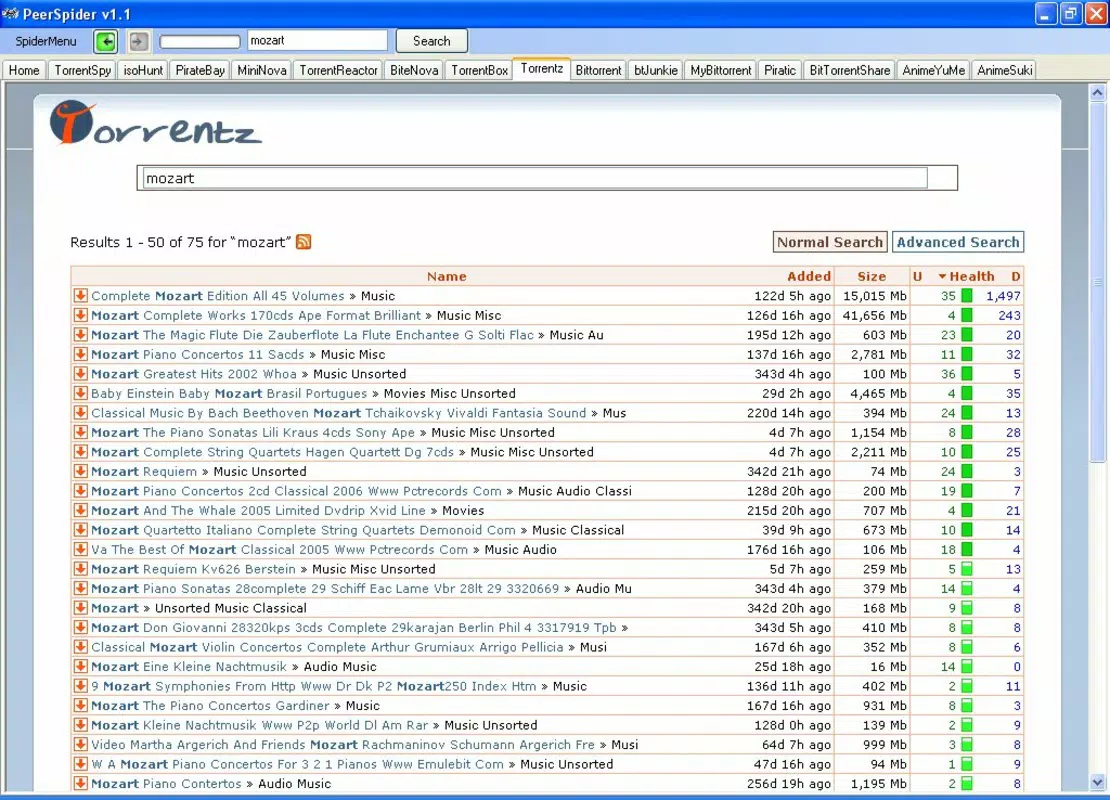
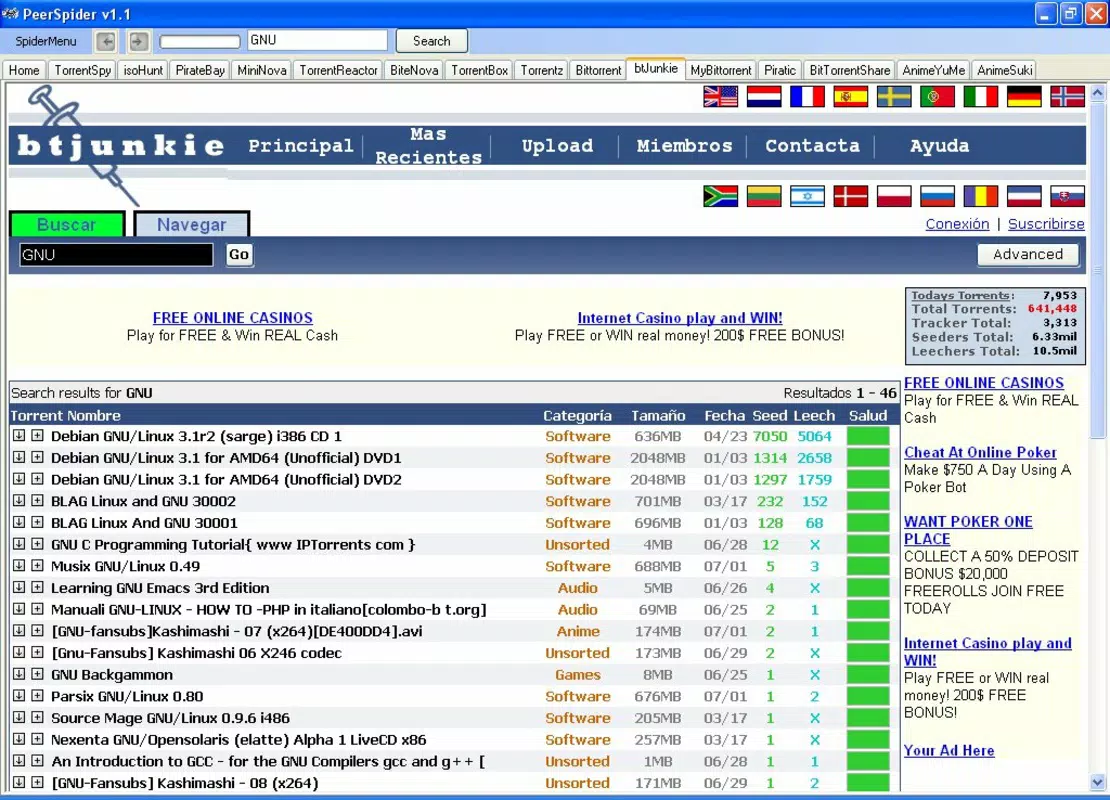
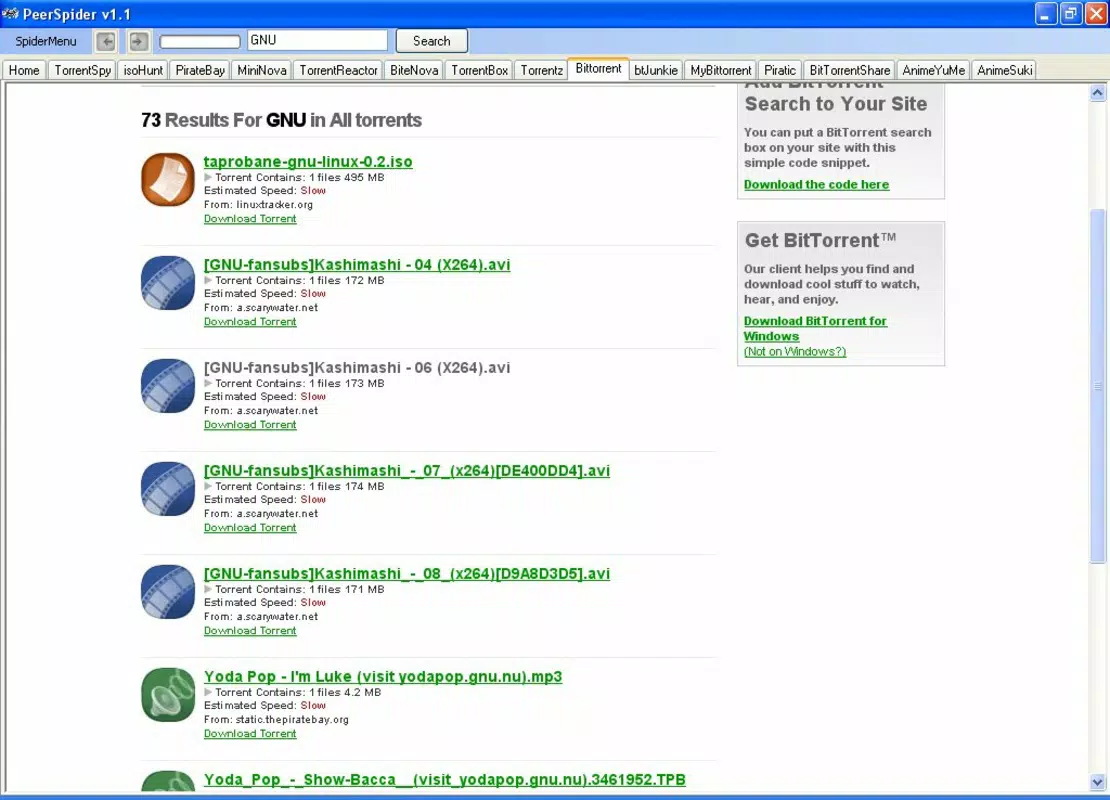
- Integrated Search Engine: Peer Spider employs a unified search engine that simultaneously queries multiple P2P link exchange platforms. This allows users to retrieve results from various sources in a single search, drastically reducing the need to visit individual sites.
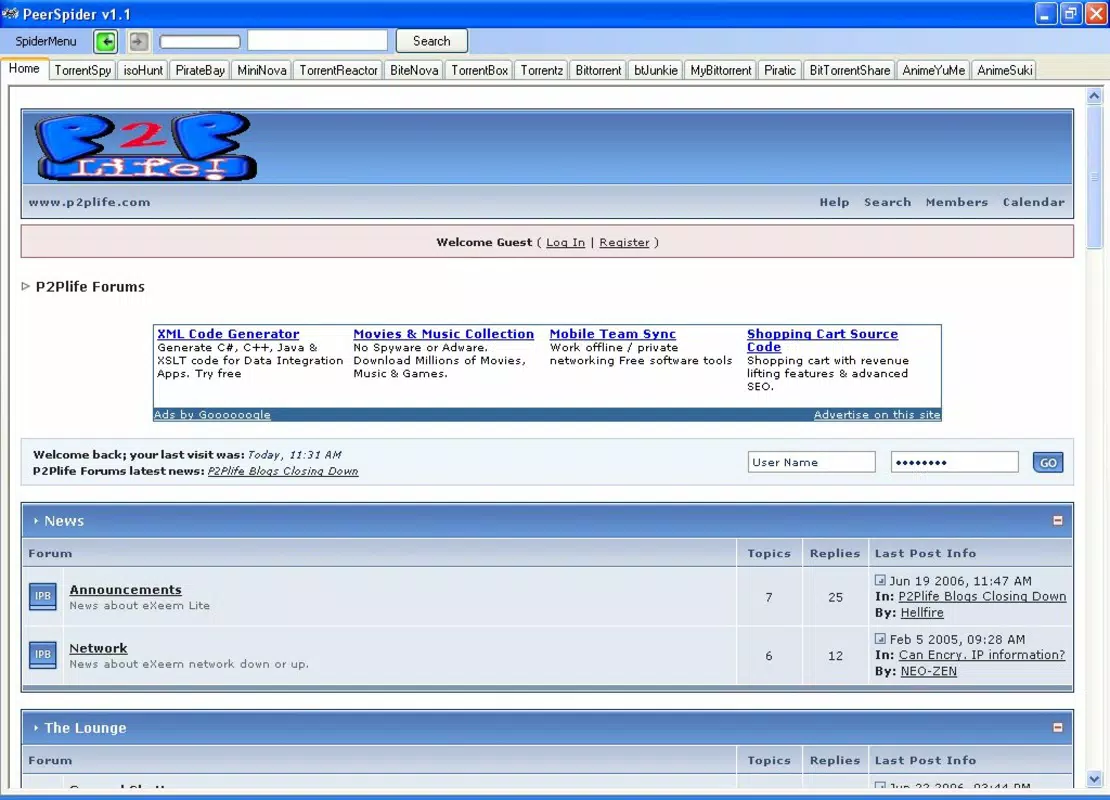
- User-Friendly Interface: The app features a structured tab-based layout that organizes search functions and results clearly. This intuitive design enhances usability, particularly for users with limited technical experience.
- Time-Saving Tool: By eliminating the need to manually switch between different exchange platforms, Peer Spider minimizes the time spent on file discovery, enabling users to focus on accessing and downloading content.
- Comprehensive File Location: The app is designed to uncover a wide variety of file types, including documents, software, media, and archives, even those that may not appear in conventional search results.
For example, a researcher seeking a rare academic paper from 2005 could use Peer Spider to search across multiple P2P networks simultaneously, significantly increasing the chances of finding the document. Similarly, a user looking for a specific version of an old application could bypass the limitations of individual platform searches and access a broader pool of available files. These real-world applications highlight the app’s value as a practical utility for efficient file discovery.
Interface, UX & Performance
Peer Spider presents a clean, tab-based interface that prioritizes clarity and ease of navigation. The layout is structured to guide users through the search process with minimal friction, making it accessible even to those unfamiliar with P2P file-sharing ecosystems. Visual design elements are minimal, focusing on functionality over aesthetics, which aligns with its utility-driven purpose.
Navigation is straightforward, with clearly labeled tabs that separate search input, results display, and possibly history or favorites—though specific navigation details were not disclosed. The app responds promptly to user input, suggesting a lightweight architecture optimized for performance. Although the developer did not list formal performance metrics, the app’s small file size of 2.4 MB indicates a low resource footprint, which is beneficial for older or entry-level Android devices.
Responsiveness across different device categories appears consistent with its design philosophy. Stability is implied by the app’s long-standing presence since 2007, though no user reports or crash statistics were provided. Overall, the user experience is designed to be efficient, focused, and distraction-free—ideal for users who value speed and reliability in file retrieval.
Platform Compatibility & Technical Requirements
Peer Spider is available exclusively on the Android platform. The current version is 1.0, with a file size of 2.4 MB, making it a lightweight application suitable for devices with limited storage. The app is free to download and use, with no in-app purchases or subscription models.
Specific minimum OS requirements were not listed by the developer. However, given the app’s release date of 2007 and its minimal size, it is likely compatible with older Android versions, though this cannot be confirmed. Users should ensure their device meets the system requirements of the Android OS version they are running, as compatibility may vary depending on the device’s hardware and software configuration.
Installation is straightforward, and the app does not require special permissions beyond basic network access for search functionality. No additional technical setup is needed, making it accessible to a broad range of users.
Pros and Cons
Pros
- Lightweight design with minimal storage footprint (2.4 MB)
- Free to download and use with no hidden costs
- Integrates multiple P2P platforms into a single search interface
- Simple, intuitive layout suitable for non-technical users
- Efficient file discovery across diverse content types
Cons
- No publicly available information on minimum OS or device compatibility
- Limited transparency regarding technical specifications and updates
- No official support channels or developer contact details provided
- Age of the app (first released in 2007) may raise concerns about long-term maintenance
- Search results depend entirely on external P2P platforms, which may change or become inaccessible over time
FAQ
Is Peer Spider safe to use?
The app itself does not host files; it only facilitates searches across external P2P platforms. Users should exercise caution when downloading files from third-party sources, as content legality and security cannot be guaranteed by the app.
Can I use Peer Spider on iOS devices?
Currently, Peer Spider is only available for Android. No iOS version has been released or announced.
Does Peer Spider require internet access?
Yes, the app requires an active internet connection to search across P2P link exchange platforms and retrieve results.
How often is Peer Spider updated?
The developer has not disclosed update frequency. The app’s last known version is 1.0, released in 2007.
Is Peer Spider free to download?
Yes, Peer Spider is available at no cost. There are no in-app purchases or subscription fees.
Final Thoughts + CTA
Peer Spider remains a uniquely focused tool in the mobile productivity space, offering a rare combination of simplicity, efficiency, and breadth in file discovery. While its age and lack of modern updates may raise questions about long-term viability, its core functionality—integrating multiple P2P search platforms into a single interface—remains highly relevant for users who value speed and access to diverse digital resources. The app’s lightweight design and free availability make it an accessible choice for users across a wide range of Android devices.
It is particularly beneficial for researchers, digital archivists, and anyone seeking specific files that are not easily found through mainstream search engines. For those who frequently navigate P2P networks, Peer Spider serves as a practical shortcut that reduces friction and enhances productivity.
Despite its limitations in transparency and support, the app delivers on its promise: a fast, reliable way to search for files across multiple platforms. In a digital landscape filled with complex tools, Peer Spider stands out for its focused utility.
Download Peer Spider now


